
INTRODUCTION: WHY THIS MATTERS FOR YOU
But here's the truth: AI isn’t here to replace you—it’s here to support you.
If you've ever wondered how AI can make you more productive, this guide is for you. Not as a tech tutorial, but as a deeply practical, step-by-step approach to easing your cognitive burden—on shift, in study, and at home.
You don’t need to code. You don’t need a subscription to 50 tools. What you need is the right tool, for the right task, at the right time.
Let’s walk through it.
STEP 1: Pinpoint the Pressure Points in Your Day
Overview:
You already work under pressure. Let’s reduce it, not add to it.
Instructions:
Observe your day with this in mind: Which tasks drain my time or brainpower that don’t require clinical expertise?
Common examples:
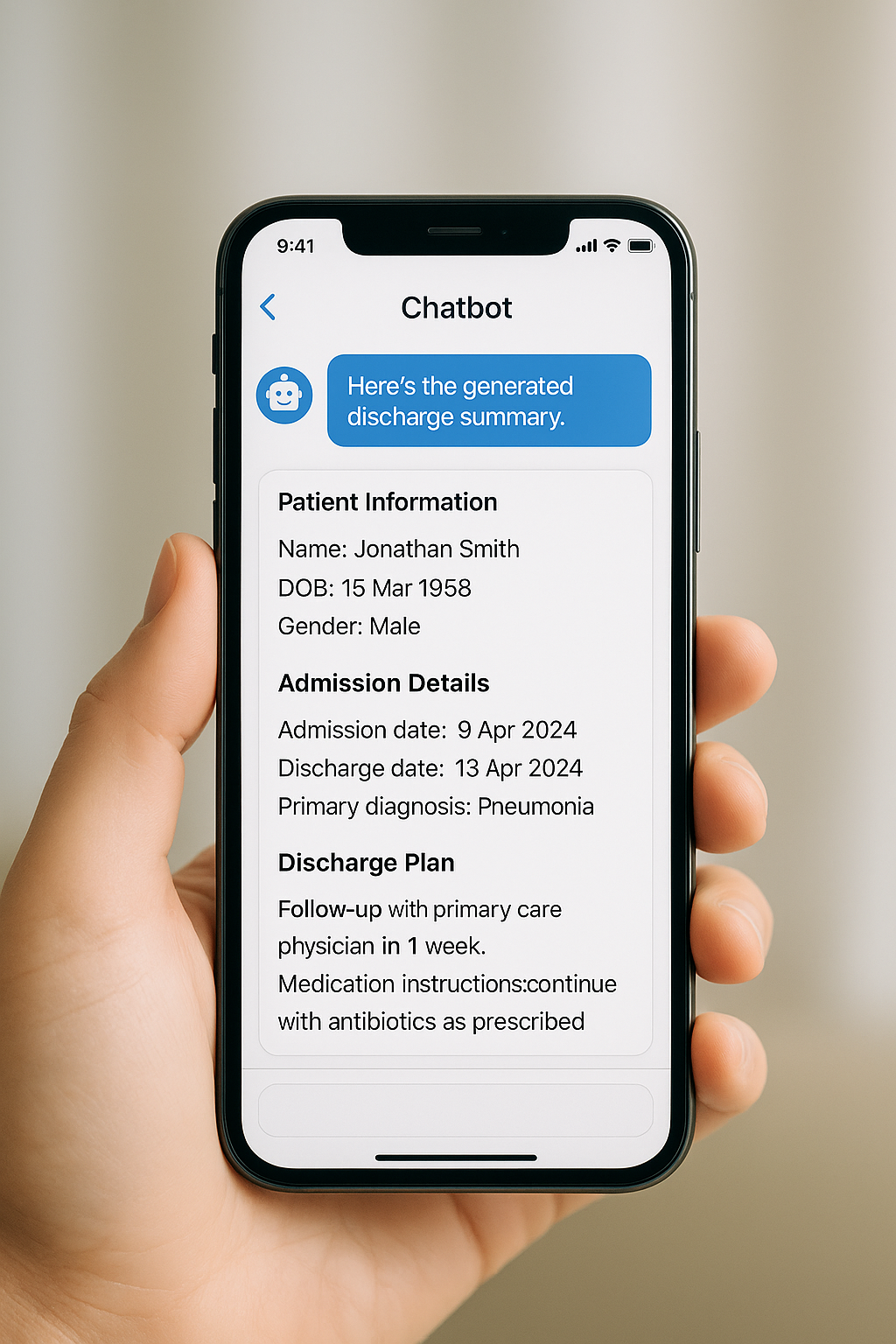
Writing discharge summaries
Researching latest guidelines
Drafting referral letters
Translating medical terms into layperson language
Preparing for CPD exams
Cooking dinner after a 12-hour shift
Tips:
Track your energy, not just time. What feels heavy is a clue for automation.
Try This:
☑️ “Write down 3 tasks this week that frustrated you. Let’s AI them.”

STEP 2: Choose Your Core Tools (No Coding Required)
Overview:
Think of AI like hiring a few brilliant interns: fast, reliable, and never tired.
Your AI Productivity Toolkit:
🧠 Chatbots (Your On-Call Assistants)
ChatGPT, Gemini, Claude
Use for brainstorming, writing, summarising, translating, and roleplay.
🧰 AI Agents & Specialised Apps
Perplexity AI – Precision searching (think: Google + PubMed)
NotebookLM – Turn lecture notes or textbooks into flashcards, quizzes, and study plans
Google AI Studio – Upload and summarise meetings, lectures, or YouTube videos
Otter.ai / Fireflies – Transcribe ward rounds or CPD sessions
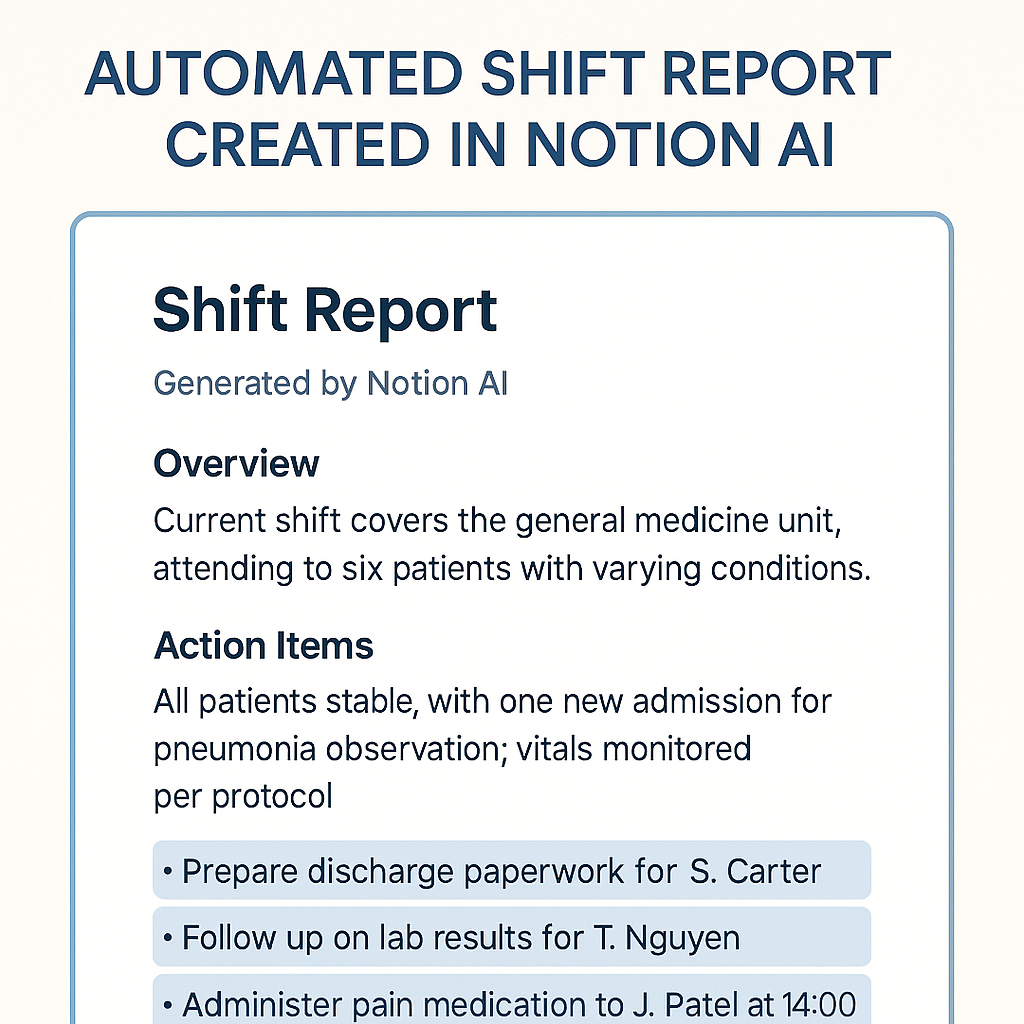
Notion AI – Summarise shift reports, organise notes, and automate task lists
Tips:
Start with just ChatGPT or Gemini on your phone. Master one tool before exploring more.
Try This:
☑️ Ask: “How can ChatGPT help me document or summarise something today?”
STEP 3: Use AI on the Ward, in the Office, and at the Bedside
Overview:
This is how AI can make you more productive right now—not some distant future.
👩⚕️ Clinical Communication & Documentation
Draft referral letters: “Write a referral to ENT for a 45-year-old female with chronic sinusitis, failed medical therapy, and recent CT scan showing polypoid changes.”
Patient education: “Rewrite this explanation of Type 2 Diabetes for a 10-year-old.”
Summarise case notes: Upload notes or handover summaries → Ask for key actions or red flags.
Translate clinical terms into patient-friendly language in seconds.
📚 Continuing Professional Development
Study smarter, not longer: Upload CPD lecture notes into NotebookLM and generate quizzes.
Create mnemonics: “Give me a memory aid for Parkinson’s medication side effects.”
Roleplay exams or patient interviews: Use ChatGPT voice mode to simulate OSCE stations.
📊 Research & Evidence-Based Practice
Summarise papers: Upload a PDF of a clinical trial → Ask: “What are the limitations and key findings?”
Compare guidelines: “Summarise the ACC vs ESC guidelines for heart failure with preserved ejection fraction.”
Search smarter: Ask Perplexity: “What’s the most recent evidence for high-dose statins in primary prevention for diabetics under 40?”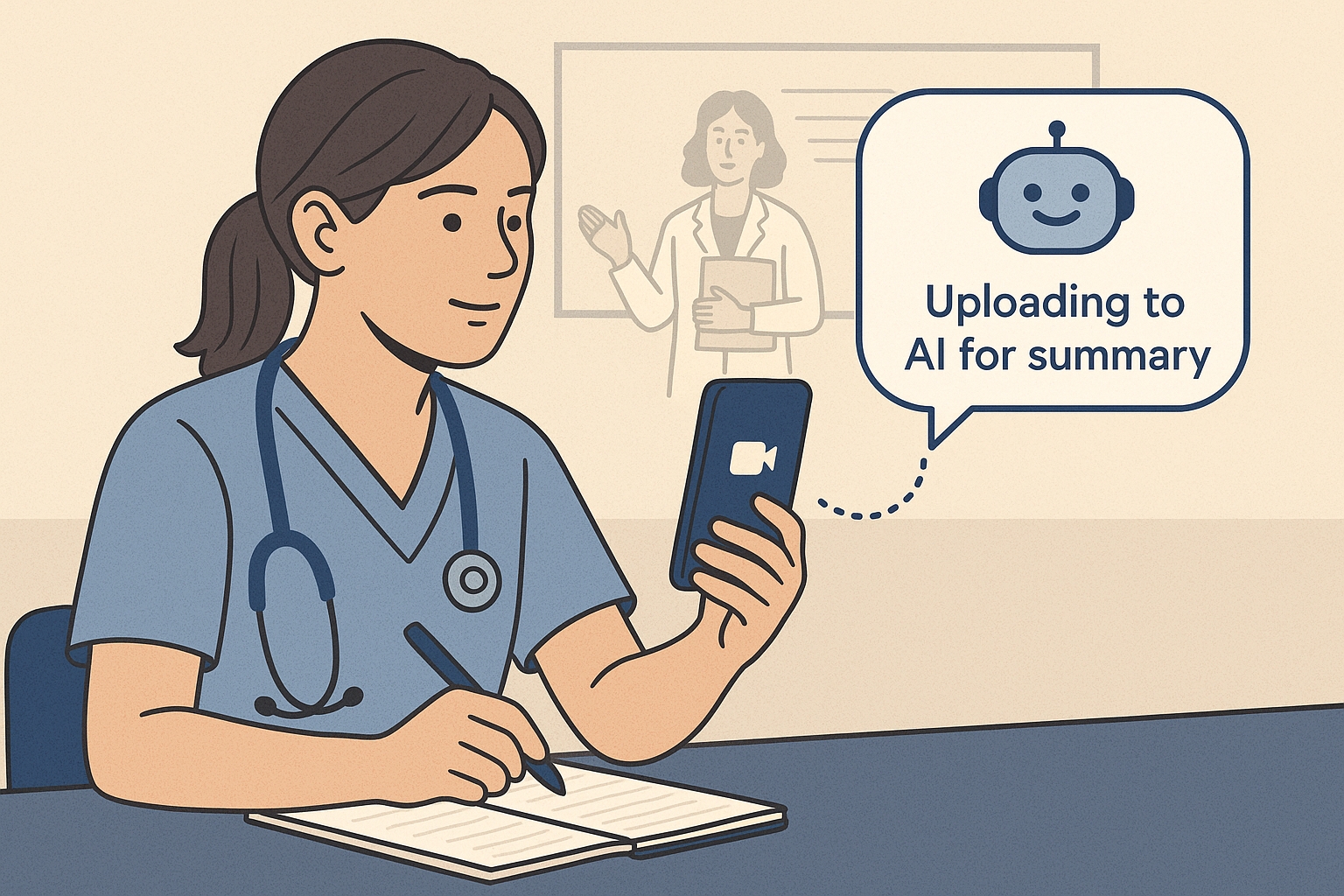
STEP 4: Automate the Admin and Reclaim Your Time
Overview:
You didn’t go into healthcare to chase emails or format spreadsheets.
Examples of AI-Driven Automation:
Post-shift reports: Dictate your summary → Let ChatGPT turn it into structured notes.
Meeting minutes: Record and transcribe with Otter.ai → Ask ChatGPT to pull action items.
Task planning: Speak into your app → AI creates an Eisenhower Matrix or priority list.
Create dashboards: Use Claude or Manus to track CPD hours, patient feedback, or department metrics.
Try This:
☑️ “Which admin task can I offload to AI this week?”
STEP 5: Care for Yourself Too—AI Can Help
Overview:
Your wellbeing matters just as much as your clinical performance.
Ways AI Supports Life Outside the Scrubs:
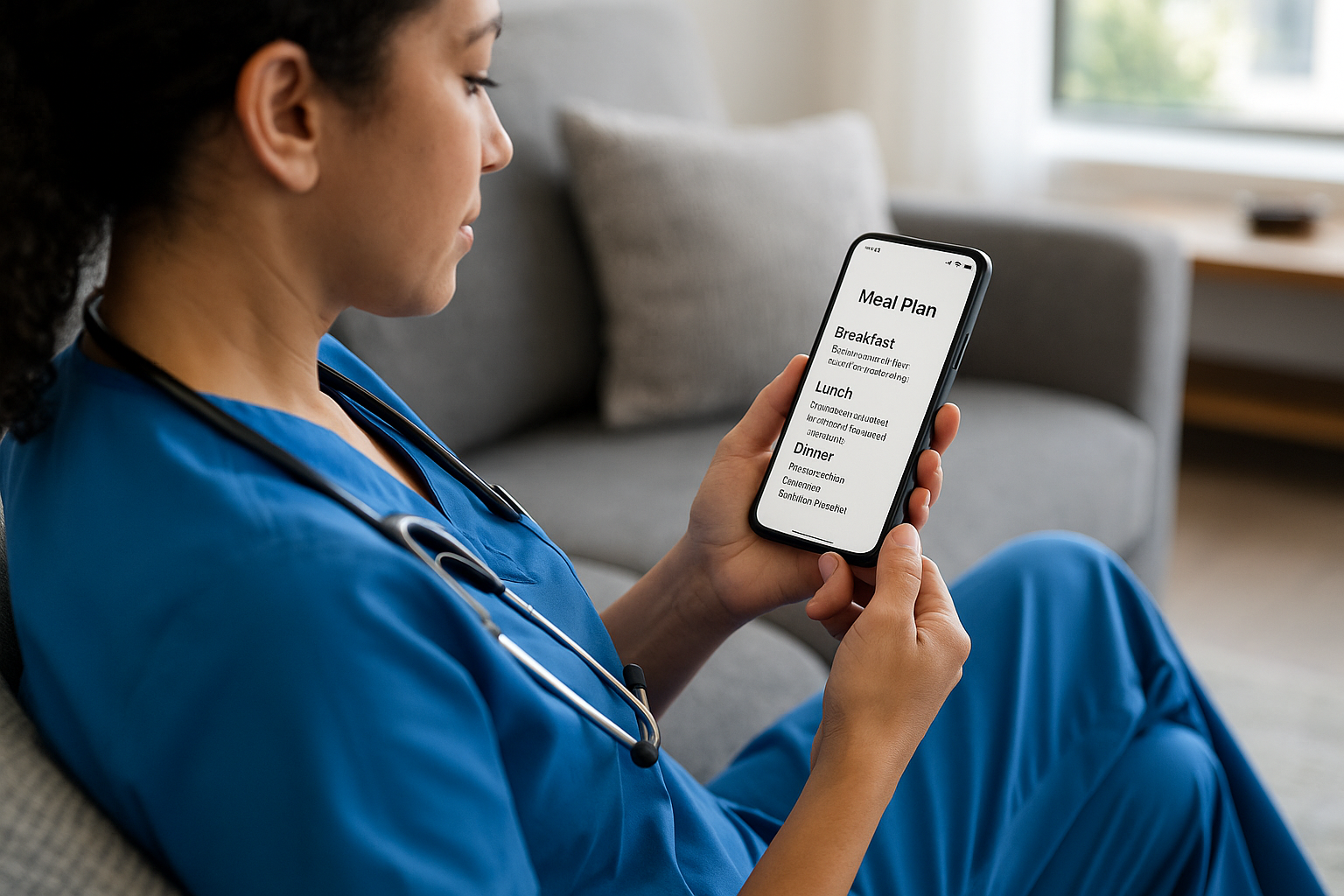
Meal plans: “What can I make in under 15 minutes with these ingredients?” (Upload fridge pic)
Relaxation playlists: Ask ChatGPT to build a Spotify playlist for post-shift decompression
Holiday planning: “Plan a 4-day trip to Cairns with self-contained accommodation, nature experiences, and Meal options.”
Financial tracking: Snap receipts and ask AI to categorize your spending
Difficult conversations: Practice tough discussions (e.g., resignation chats, peer conflict) using AI voice roleplay
Try This:
☑️ Use AI for one life admin task today. Even just a grocery list.
AI in Healthcare: Productivity with Responsibility
1. Ethical and Legal Risks of Using Public AI in Healthcare
Using public-facing AI tools like free ChatGPT or Gemini for patient-related tasks carries major risks.
🚨 Data Privacy:
Free AI tools may use your inputs to train their models. Submitting any patient-identifiable data, even by accident, can be considered a privacy breach.
🚨 Privacy Violations (HIPAA / Privacy Act):
US: Breaches the HIPAA (Health Insurance Portability and Accountability Act).
Australia: Breaches the Privacy Act 1988.
Public tools lack the Business Associate Agreements (BAAs) needed for lawful patient data handling.
🚨 Hallucinations & Inaccuracy:
AI tools can sound confident while being completely wrong. For example:
Suggesting fake studies
Incorrect medication dosages
Misinterpreting clinical guidelines
🚨 Bias in Output:
AI models trained on internet data may exhibit racial, gender, or socioeconomic bias, leading to potentially inequitable advice if not carefully monitored.
🚨 No Accountability:
If AI-generated content causes patient harm, the legal liability still falls on you—not the AI company.
2. How to Protect Patient Data When Using AI
The Golden Rule: Never enter Protected Health Information (PHI) into public AI tools.
What Counts as PHI?
Here are a few of the 18 identifiers under HIPAA you must remove:
Names
Dates (DOB, admission, discharge)
Addresses
Email / phone numbers
MRNs / Medicare numbers
IP addresses
Photos, fingerprints
Any unique characteristics
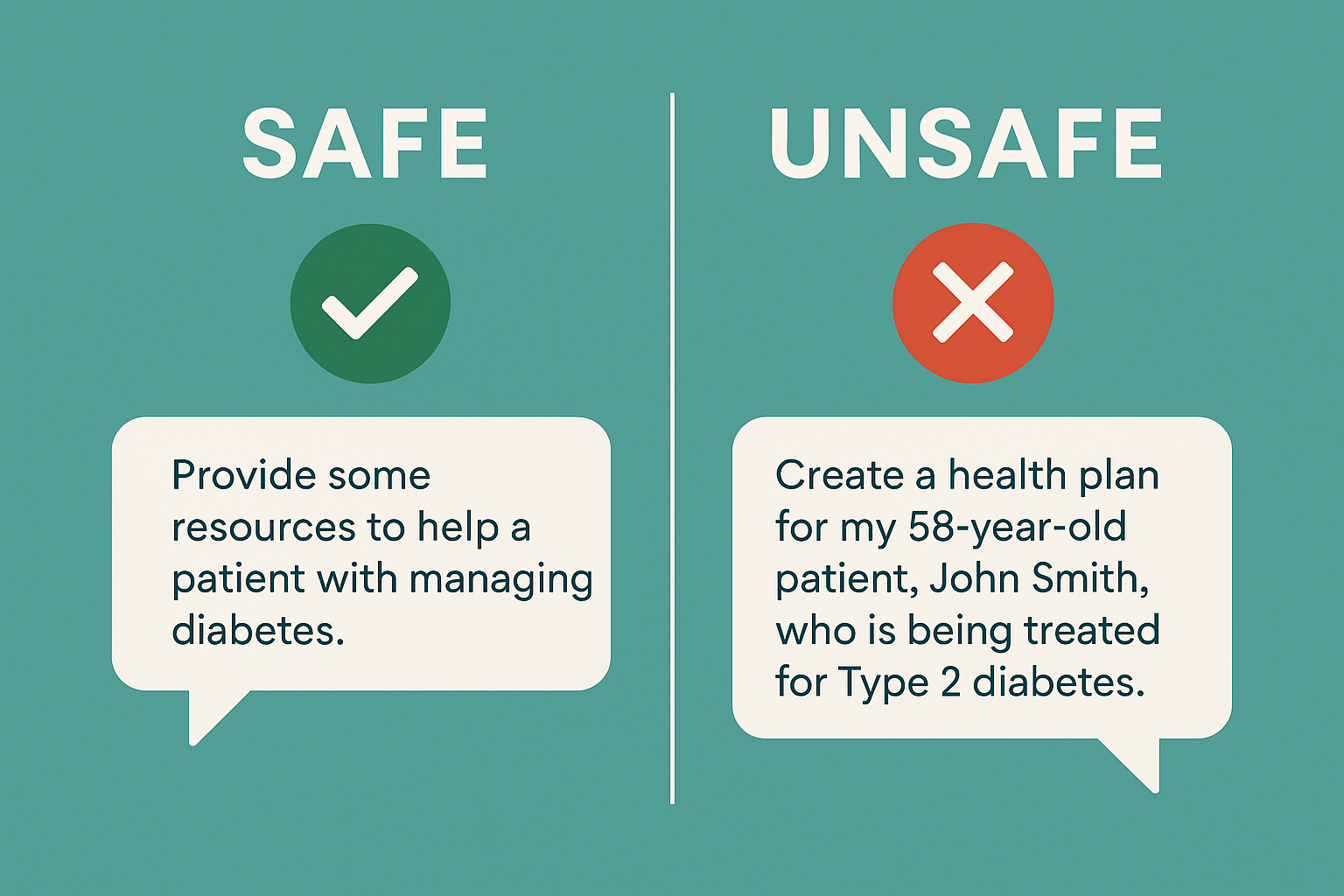
✅ Safe Prompt Example:
Unsafe:
"Draft a discharge summary for John Smith, MRN 45-23-11, admitted to St. Mary's Hospital on Aug 1, 2025..."
Safe & Ethical:
"Draft a discharge summary template for a 60+ year-old male with a recent myocardial infarction. Use placeholders for dates and hospital names."
3. What AI Tools Are Safe for Healthcare Use?
Here’s what to look for:
🛡️ Enterprise-Grade HIPAA-Compliant AI
Microsoft Azure OpenAI (GPT-4 via secure cloud)
Google Cloud Vertex AI (Gemini in private instances)
These come with BAAs and don’t train on your data—but must be set up by your institution.
🧠 EHR-Integrated AI
Platforms like Epic and Cerner now embed GPT-like models directly into their secure environments.
These are the safest ways to use AI for real patient care.
💻 Run AI Locally (Advanced Users)
You can use open-source models like Llama 3 on your computer.
Pros: Zero data leaves your device.
Cons: Requires setup and tech skills.
🧼 Anonymising Data as Your Go-To Strategy
Strip all PHI before using AI for:
Summarizing generic cases
Drafting templates
Brainstorming policies or letters
Patient education in generic terms
4. Best Practice Guidelines for Clinicians
Follow these key principles to keep AI safe and aligned with your professional standards:
Principle | What It Means |
🛑 Protect Privacy | Never submit PHI to public AI tools |
👩⚕️ Remain in Control | AI assists—you’re still the final decision-maker |
✅ Verify Everything | Review AI output like you would a junior doctor’s work |
🗣️ Be Transparent | Tell patients when AI has helped generate educational materials or reports |
⚖️ Promote Equity | Watch for bias. Don't rely blindly on AI suggestions |
🏛️ Advocate Secure Systems | Push for HIPAA-compliant AI at your organization, not solo workarounds |
CONCLUSION: Productivity + Ethics = Future-Proof Practice
How AI can make you more productive in healthcare isn’t just about writing faster or studying smarter—it’s about doing so responsibly. It means enhancing your performance while preserving the dignity, trust, and safety of your patients.
With good governance, de-identified data, and a strong ethical compass, you can confidently use AI to lighten your load, strengthen your learning, and deliver more compassionate care.
You’re not just working harder—you’re working smarter and safer.
Let’s bring the care back into healthcare—one prompt at a time.